
Updated 15 October 2026
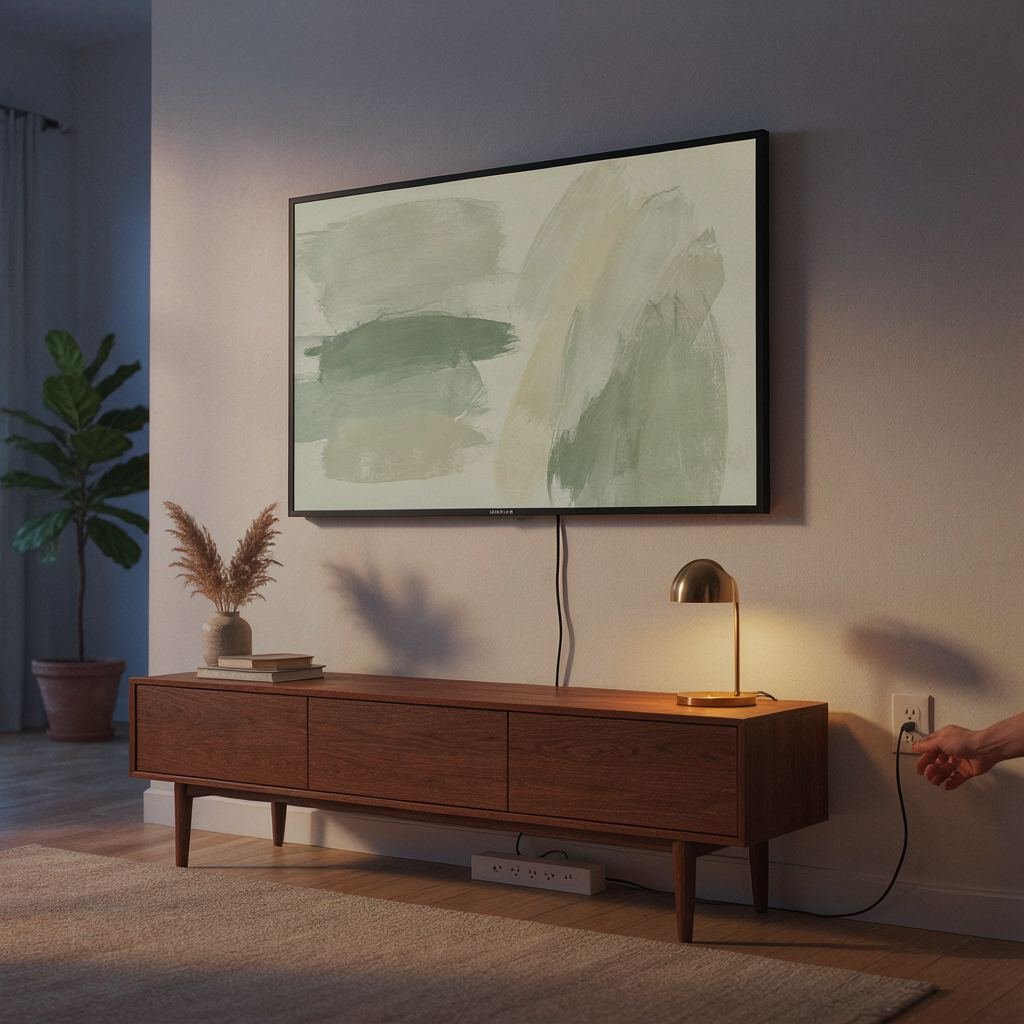
A Samsung Frame TV that won't turn on almost always comes down to one of three things: no power actually reaching the TV, the TV sitting in standby without you realizing it, or an internal fault serious enough to need service. The standby light on the TV is the fastest way to tell which one you're dealing with, and Samsung's support pages start there before anything else.
If your TV sits on a stand, check the power cord first. Our guide to the best stands for a Samsung Frame TV shows which ones leave room for cable access.
Check the Standby Light First
Look at the small light along the TV's edge before doing anything else. A solid light means the TV has power, so try the remote's power button first and the physical power button on the TV itself next. If only the physical button works, the remote likely needs to be paired again by holding Return and Play/Pause together for a few seconds. No light at all means either the TV is already on or it isn't getting power. Press any button on the TV except Power to tell which, and if nothing responds, the next step is the cord and outlet, not the TV itself. A blinking light usually points to an internal fault that a simple unplug won't fix.
The Power Cord, the Outlet, and the One Connect Box
If the standby light is off, confirm the power cord is fully seated at both the wall outlet and the TV, or at the One Connect Box on models that use one. A Frame TV routes both power and picture through the slim Invisible Connection cable between the TV and the One Connect Box, so a loose connection at either end can look exactly like a dead TV. Test the outlet itself by plugging in something else, like a lamp, before assuming the fault is the television.
Try a Soft Reset, Not a New Outlet
Samsung's support pages tell you to unplug the TV and leave it unplugged for 30 seconds before plugging it back in. If your model has a One Connect Box, unplug that too. Do this test on an outlet without a power strip or surge protector in between. Samsung's support pages note that surge protectors may eventually wear out and stop providing the voltage a TV needs, which can look identical to a TV that's simply broken.
A Blinking Light Usually Means It's Time to Call Samsung
A standby light that keeps blinking after a 30 second unplug, rather than turning solid or going off, points to an internal fault rather than a power or cable issue. Samsung's support pages say a light that keeps blinking after a working outlet and a 30 second unplug is a sign something is wrong with the TV, and they point you to the Support Center to request service.
A Worn Surge Protector Can Be the Real Cause, Not Just a Precaution
It's worth checking the age of whatever the TV is actually plugged into. Samsung's support pages warn that a surge protector may eventually wear out and stop providing the voltage the TV needs, which is a different problem from the surge protection itself failing during an actual spike. A protector that's several years old and has already absorbed smaller surges is a reasonable thing to replace on its own, separate from whatever is causing the TV not to turn on right now.
Frequently asked questions
Why does my Samsung Frame TV have no picture but the standby light is on?
A solid standby light means the TV has power, so the issue is more likely the remote, an input source, or a stuck app than a dead TV. Try the physical power button on the TV itself before assuming anything is broken.
What does a blinking standby light mean on a Frame TV?
Samsung's support pages say a standby light that keeps blinking after a 30 second unplug and a working outlet is a sign something is wrong with the TV. Unplugging is worth trying once, but persistent blinking after that is a reason to contact Samsung support rather than keep testing at home.
Does the One Connect Box need to be unplugged too during a soft reset?
Yes. Since a Frame TV routes power and picture through the One Connect Box and its Invisible Connection cable, if your model has a One Connect Box, unplug the box as well as the TV before testing again.
Can a power surge actually damage a Samsung Frame TV?
Yes, a strong enough surge can damage the internal power supply of any TV, Frame TV included. Samsung's support pages also note the opposite problem: a surge protector may wear out over time and stop providing the voltage the TV needs, which is a separate issue from surge damage itself.
Should I unplug my Frame TV overnight or when I'm not using it?
Unplugging isn't part of the fix unless something is actually wrong. The steps that matter are checking the standby light when there's an actual problem and unplugging for a real 30 second reset, rather than leaving the TV unplugged as routine maintenance.
Where the steps come from
This guide covers the One Connect Box and Invisible Connection cable, the part of the setup that is specific to the Frame TV. The 30 second unplug, surge protector and blinking light steps follow Samsung's support pages for TVs that won't turn on. The One Connect Box and remote pairing tips are general troubleshooting advice.
This site is reader-supported and may earn a commission on qualifying bookings or purchases made through our links, including as an Amazon Associate. Prices and availability shown by our partners are always current on their own site; check the live listing before buying.